
Mark pests and diseases on your crop map
Record where the pest is with the crop, pest name, photo and description — on your phone or from the car with Android Auto — and follow everything on the website.
I want the app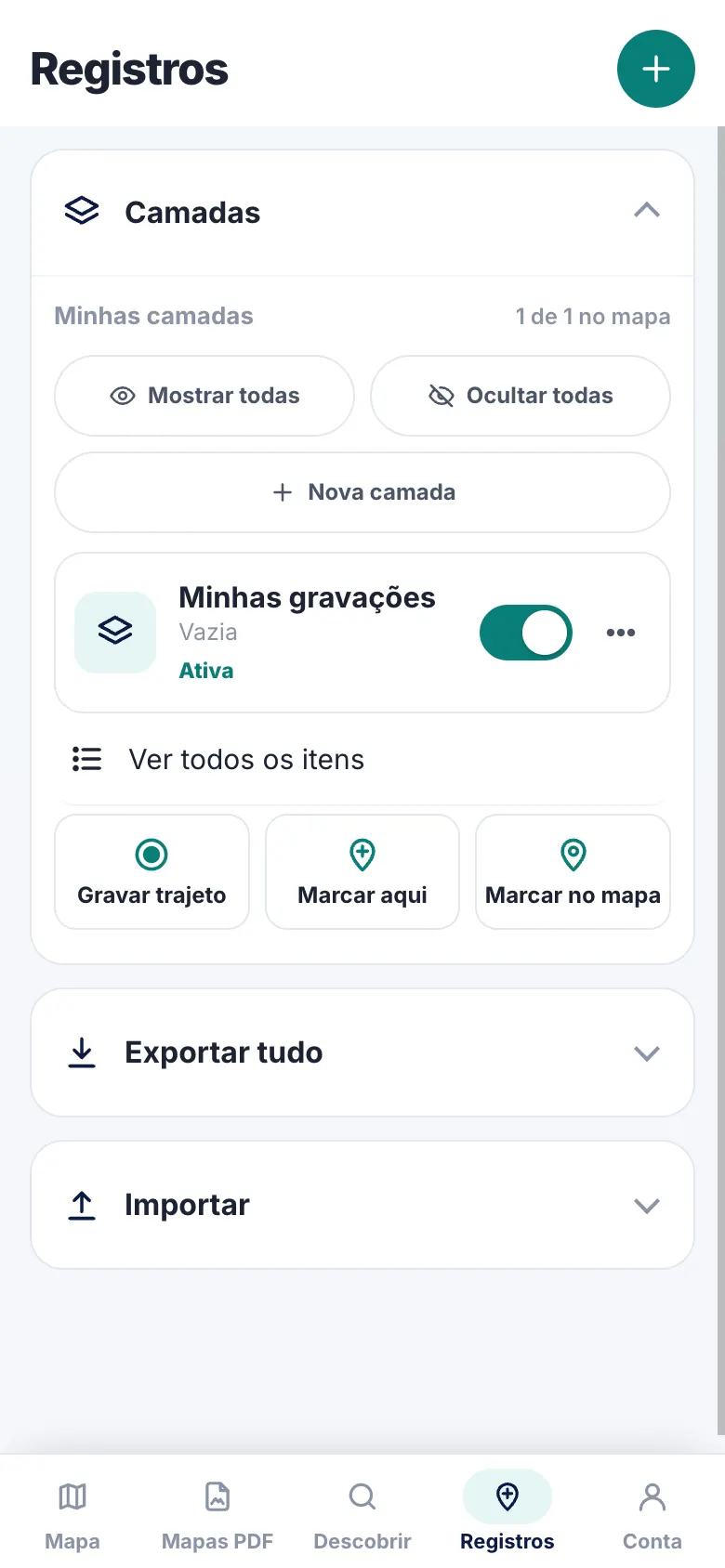
How to record
- 1
Mark the spot
Tap mark where you are (or pick on the map) and choose Pest / disease.
- 2
Choose crop and pest
Soy, corn, sugarcane, coffee, cotton, eucalyptus, pine, citrus, pasture and more — each with its pest list.
- 3
Complete it
Photo, description, color and layer (for example, one layer per field or season).
- 4
Follow up
See it on the website, filter by date, edit in bulk and export to KML, GPX, Shapefile or spreadsheet.
Crops and pests
- Common pests: leaf-cutter ants, termites, caterpillars, stink bugs, rust…
- Crop-specific pests (e.g. Asian soybean rust, coffee berry borer, boll weevil)
- Photos on each point
- Layers to separate fields, seasons or teams
- On Android Auto: pick the pest from a list, no typing
- Your points stay in your account only
FAQ
Can other people see my points?
No. Points stay in your account only. Road reports (potholes, crashes…) are shared, without showing who reported them.
Does it work offline?
Yes. The point is stored on the phone and uploaded to your account backup when you're online.
Can I take it to GIS?
Yes: export KML, KMZ with photos, GPX or Shapefile from the website.